
How To Use AI in 2026: AI Tools Explained for Beginners
At a glance
- Length
- 22 min
- Channel
- AI Master
- Video from
- May 2026
- Rating
- 👍👍 Great video · 2/2
- Best for
- Beginners wanting to understand AI mechanics, not just tool features
Understanding AI Fundamentals for 2026
This guide walks through what artificial intelligence actually is, how it works under the hood, and the five main categories of AI tools you'll encounter in 2026. Rather than treating AI as magic, the video breaks down the real mechanics—particularly neural networks—so you understand why certain tools work better for certain tasks. It's designed for people who use ChatGPT, image generators, or video AI but feel uncertain about how to get consistent, professional results.
Whether you're curious about AI's basic concepts or ready to integrate it into your workflow, this resource covers both the theory you need and the practical prompting strategies that separate mediocre outputs from excellent ones.
Key Moments
Core Concepts About AI Tools and Neural Networks
- AI is not magic or consciousness—it's a system trained to recognize patterns and predict outputs based on input data
- Neural networks are the engine behind modern AI, mimicking how brains process information through layers of connected nodes
- Five main AI tool categories exist: Large Language Models, Image Generators, Video Generators, Audio Generators, and Productivity AIs
- Each AI category requires different prompting strategies to unlock professional-quality results
- Understanding how each tool works leads to more intentional, effective use rather than trial-and-error guessing
- Common mistakes in AI use stem from misunderstanding what each tool is designed for and how to communicate with it
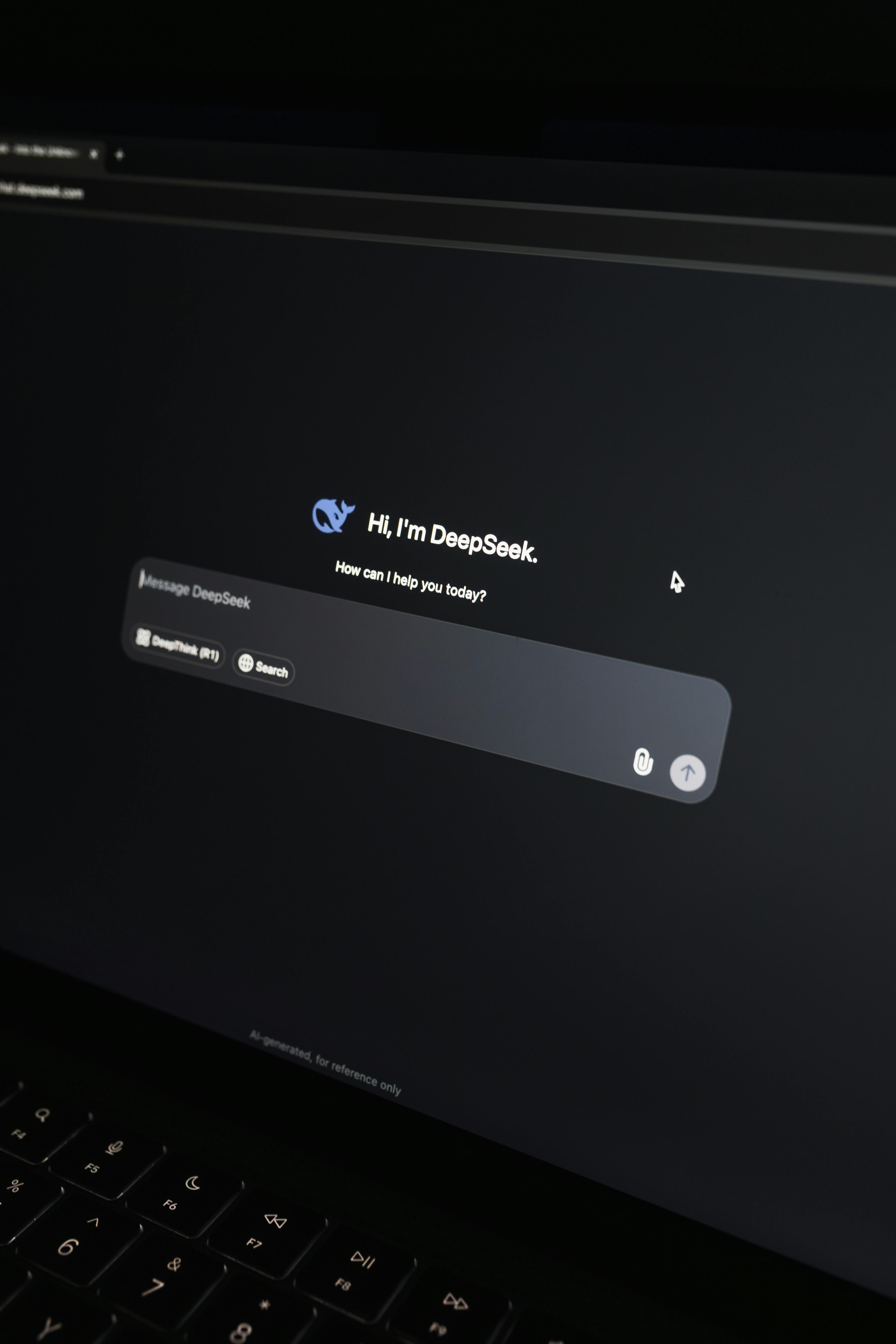
What to Expect Across the Five AI Tool Types
The video progresses through each of the five main AI categories in turn: starting with Large Language Models (text-based AI like ChatGPT), then moving to Image Generators, Video Generators, Audio Generators, and Productivity AIs. For each category, the tutorial covers not just which tools exist in 2026, but the specific prompting techniques that work best for that type. The approach is structured so you can either watch straight through for a complete overview or jump to the section covering whichever AI type you want to master first. By the end, you'll see how these tools fit together and which one to reach for depending on your task.
Frequently Asked Questions About Using AI Tools in 2026
What's the difference between how you prompt a Large Language Model versus an Image Generator?
The video breaks down prompting strategies specific to each AI category. Language models respond well to clear instructions and context, while image generators need visual descriptions and style guidance. Understanding these differences prevents frustration when the same prompt style fails across different tool types.
Why do most people get mediocre results from AI tools?
According to the video, the main issue is using AI tools without understanding how they actually work. When you don't know what the underlying system is designed to do, you either over-complicate your requests or under-specify them, leading to average outputs. Learning the mechanics fixes this.
Are all the AI tools mentioned actually available in 2026?
The video discusses specific tools referenced for 2026, including newer versions like ChatGPT 5.2, Gemini 3, and video tools like Sora 2, Veo 3.1, and Kling 3.0. However, the broader value lies in understanding the categories and principles, which will apply regardless of which specific products are current.
Do I need to use all five types of AI tools?
No. The video covers all five categories so you understand the full landscape, but most people will focus on one or two based on their actual needs—whether that's writing, image creation, video production, audio work, or productivity automation.
What mistakes should I avoid when starting with AI?
The video explicitly addresses common mistakes near the end of the tutorial. These typically involve mismatched expectations (using a tool for something it's not designed for), poor prompting habits, or not understanding how to iterate when the first result isn't what you wanted.
Key Terms
- Neural Networks
- Artificial systems modeled on how brains work, made of connected layers that process information to recognize patterns and make predictions.
- Large Language Models
- AI systems trained on vast amounts of text that can understand and generate human language in conversation.
- Prompting
- The practice of writing specific instructions or questions to an AI tool to get better, more targeted results.
- Image Generators
- AI tools that create images from text descriptions, using learned patterns to visualize what you describe.
- Video Generators
- AI systems that create video clips from text prompts or images, automating what would otherwise require manual filming and editing.
Sources: Neural Networks · Large Language Models · Prompting · Image Generators · Video Generators — definitions cross-referenced with Wikipedia

Video by AI Master on YouTube. If you enjoyed it, please subscribe to their channel and show your support for the great video.
Description
#sponsored Get your 30% off the Chatty paid plan! https://partners.avada.io/i/a/JK7OH
🧠 Master AI tools inside AI Master Hub with 10,000+ users → https://aimaster.me/yt/ai_explaned2026
🎬 This video was made inside AI Content Engine, get the same pipeline → https://aimaster.me/
How to Use AI in 2026 — most people use ChatGPT, image generators, and video AI without understanding HOW they actually work, and that's why they get mediocre results. In this complete 2026 guide, I break down exactly what AI is, the 5 types of AI tools you need to know, and how to use them like a pro.
🔥 What You'll Learn:
✅ What AI actually is (and what it's NOT)
✅ How neural networks work — explained so it actually makes sense
✅ The 5 AI tool categories and which one to use for any task
✅ How to prompt each type of AI for 10x better results
✅ Best tools in 2026: ChatGPT 5.2, Gemini 3, Nano Banana Pro, Sora 2, Veo 3.1, Kling 3.0
⏱️ TIMESTAMPS:
00:00 - Intro
00:45 - What is AI?
04:18 - Large Language Models
06:28 - How to prompt for LLM?
08:56 - Image Generators
10:25 - How to prompt for Image Generators?
13:50 - Video Generators
15:13 - How to prompt for Video Generators
16:08 - Audio Generators
18:19 - Productivity AIs
20:25 - Mistakes in using AI
👉 Subscribe for more practical AI tutorials that actually work
#AITools #ChatGPT #AITutorial #HowToUseAI #AI2026 #Productivity #AIForBeginners
Recent Posts


How videos are chosen here
Every video on Science & technology ExplainedBetter.com is hand-picked and reviewed by Justin — nothing is added automatically. Each one gets an original written guide and an honest rating: 👍 1 out of 2 means a good video worth your time, and 👍👍 2 out of 2 means a great one we would recommend to anyone. The videos belong to their creators — every page links back to the original channel so you can subscribe and support them.