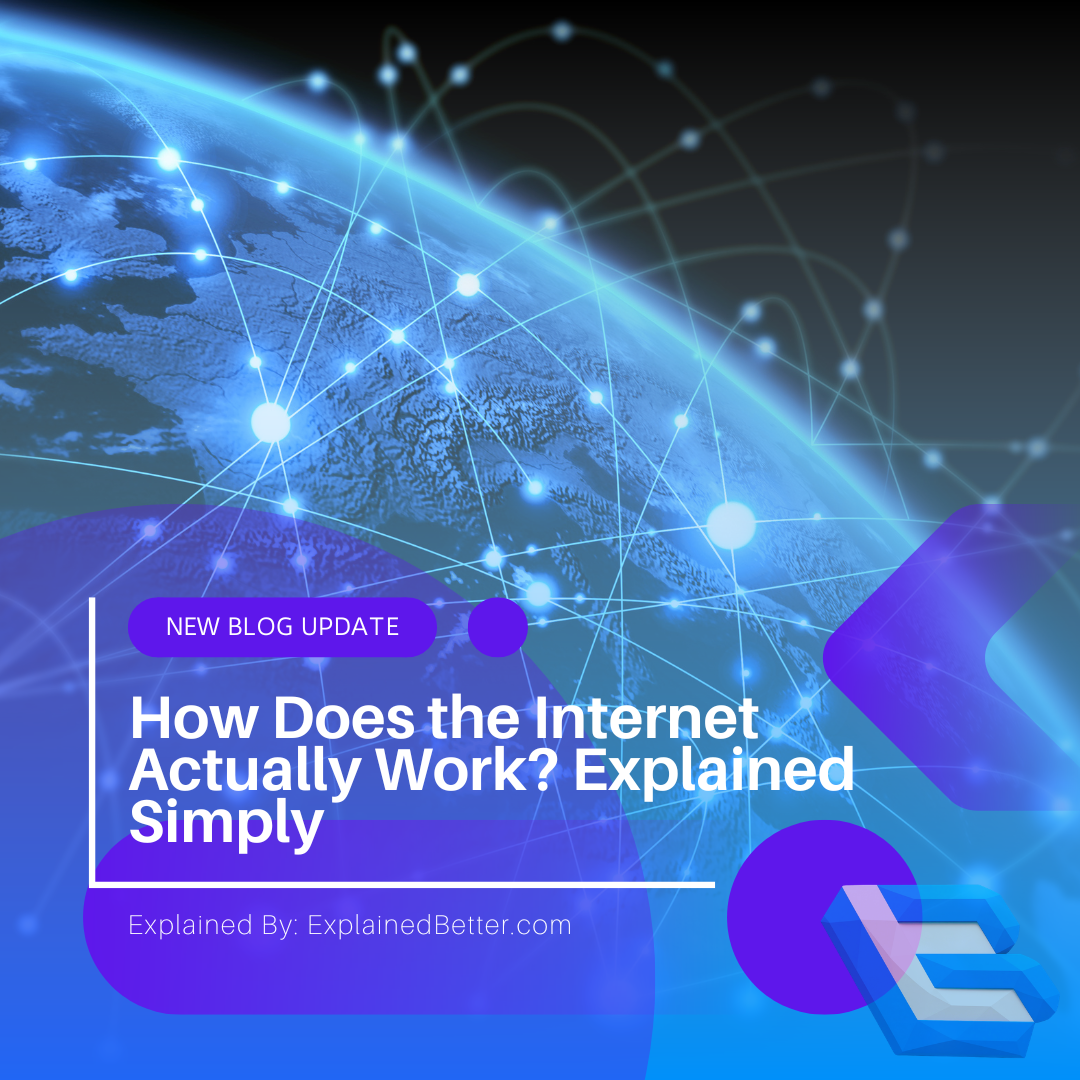

We call it “the cloud,” which makes the internet sound weightless and mysterious. It isn’t. The internet is a very physical thing made of cables, and what happens when you load a webpage is a surprisingly concrete sequence you can follow start to finish.
Key takeaways
- The internet runs mostly on physical fibre-optic cables — including hundreds laid across ocean floors.
- Your data is chopped into small “packets” that travel independently and get reassembled at the other end.
- DNS acts as the internet’s phonebook, turning names like explainedbetter.com into numeric addresses.
- Wi-Fi isn’t the internet — it’s just the wireless last few metres between you and your router.
First: the internet is physical
The single most useful correction to most people’s mental model is this — there is no cloud. When you stream a video, that data is travelling as pulses of light through glass fibres, often for thousands of miles.
Roughly 95% of international data traffic travels through undersea cables: bundles of fibre-optic strands, some no thicker than a garden hose, lying on the ocean floor between continents. Satellites handle a comparatively small share, because light through glass is faster and cheaper than a round trip to orbit.
At the other end sits a data centre — a physical building full of computers called servers. “Storing something in the cloud” means storing it on a specific machine in a specific building that someone else owns and maintains.
What actually happens when you load a page
Type an address, press enter, and roughly this sequence unfolds — usually in well under a second.
- Your device looks up the addressComputers don’t route by names, they route by numbers. Your device asks a DNS server to translate “explainedbetter.com” into an IP address like 192.0.2.10. This is the phonebook lookup.
- A request leaves your deviceThe request travels over Wi-Fi or a cable to your router, then out to your internet service provider (ISP), which connects you to the wider network.
- It’s broken into packetsYour request — and everything sent back — is split into small chunks called packets. Each carries the destination address and its position in the sequence, like numbered pages of a letter posted separately.
- Routers pass the packets alongEach packet hops between routers, machines whose entire job is to read the destination and forward it toward the next sensible step. No single router knows the whole route; each just knows the next hop.
- The server respondsThe server holding the website receives the request and sends back the page — HTML, images, styles — again split into packets.
- Your device reassembles everythingPackets arrive out of order and by different routes. Your device puts them back in sequence, requests any that went missing, and your browser renders the finished page.
Packet switching: the idea that makes it all work
Splitting data into packets sounds like a complication. It’s actually the core insight that makes a global network practical.
If your connection needed one continuous dedicated line — the way old telephone calls worked — the internet would be enormously wasteful and fragile. Instead, packets from millions of different conversations share the same cables, interleaved with each other. If one route is congested or a cable is cut, packets simply take another path.
This is why the internet is so resilient. There’s no central switchboard to knock out. Damage a link and traffic reroutes automatically, which is exactly what the network was designed to do.
Wi-Fi is not the internet
This confusion causes half the world’s troubleshooting frustration. Wi-Fi is only the wireless link between your device and your router — typically a few metres. The internet is everything beyond that.
So “full Wi-Fi bars but nothing loads” is entirely normal: your device is talking to the router perfectly, but the router’s connection onward — through the ISP — is down. Recognising which half of the chain has failed is the fastest way to diagnose almost any connection problem.
What the padlock in your browser means
Because packets pass through equipment owned by many different organisations, anything sent as plain text could in principle be read along the way. That’s what HTTPS solves.
The padlock indicates your connection is encrypted: your device and the server agree on a shared secret and scramble everything between them. Routers can still see where packets are headed — they must, to deliver them — but not what’s inside. It’s the difference between posting a sealed envelope and a postcard.
The terms, explained
- IP address
- The numeric address identifying a device or server on the network, so data knows where to go.
- DNS (Domain Name System)
- The system translating human-readable names into IP addresses — the internet’s phonebook.
- Packet
- A small chunk of data with addressing information attached. Everything you send is split into them.
- Router
- A device that reads a packet’s destination and forwards it toward the next hop. Your home router does this on a small scale.
- ISP
- Internet Service Provider — the company connecting your home to the wider internet.
- Bandwidth vs latency
- Bandwidth is how much data can flow at once; latency is the delay before it starts arriving. High bandwidth with high latency still feels sluggish.
- Server
- A computer that stores and delivers content to other machines. Websites live on servers in data centres.
Prefer to watch? We break down how everyday technology works on video too — browse our Science & Tech video explainers.
Frequently asked questions
Who owns the internet?
Nobody owns it as a whole. It’s a network of networks — cables, data centres and equipment owned by many companies, governments and universities, all agreeing to use the same communication standards. Organisations like ICANN coordinate naming and addressing, but no one controls the network itself.
What’s the difference between the internet and the web?
The internet is the underlying network of connected machines. The World Wide Web is one service running on it — websites accessed through browsers. Email, video calls and app data also use the internet without being part of the web.
Why does my connection slow down at certain times?
Usually congestion. Cables and equipment are shared, so when many people in your area stream at once, your available capacity drops. Distance to the server and older home equipment also contribute.
Can the internet be shut down?
Not globally, because of its decentralised design. But individual countries can and do restrict access by ordering ISPs within their borders to block traffic, since those providers are the local chokepoints.
Sources & further reading
- Internet Society — How the Internet Works
- ICANN — What does ICANN do?
- Cloudflare Learning — How does the Internet work?