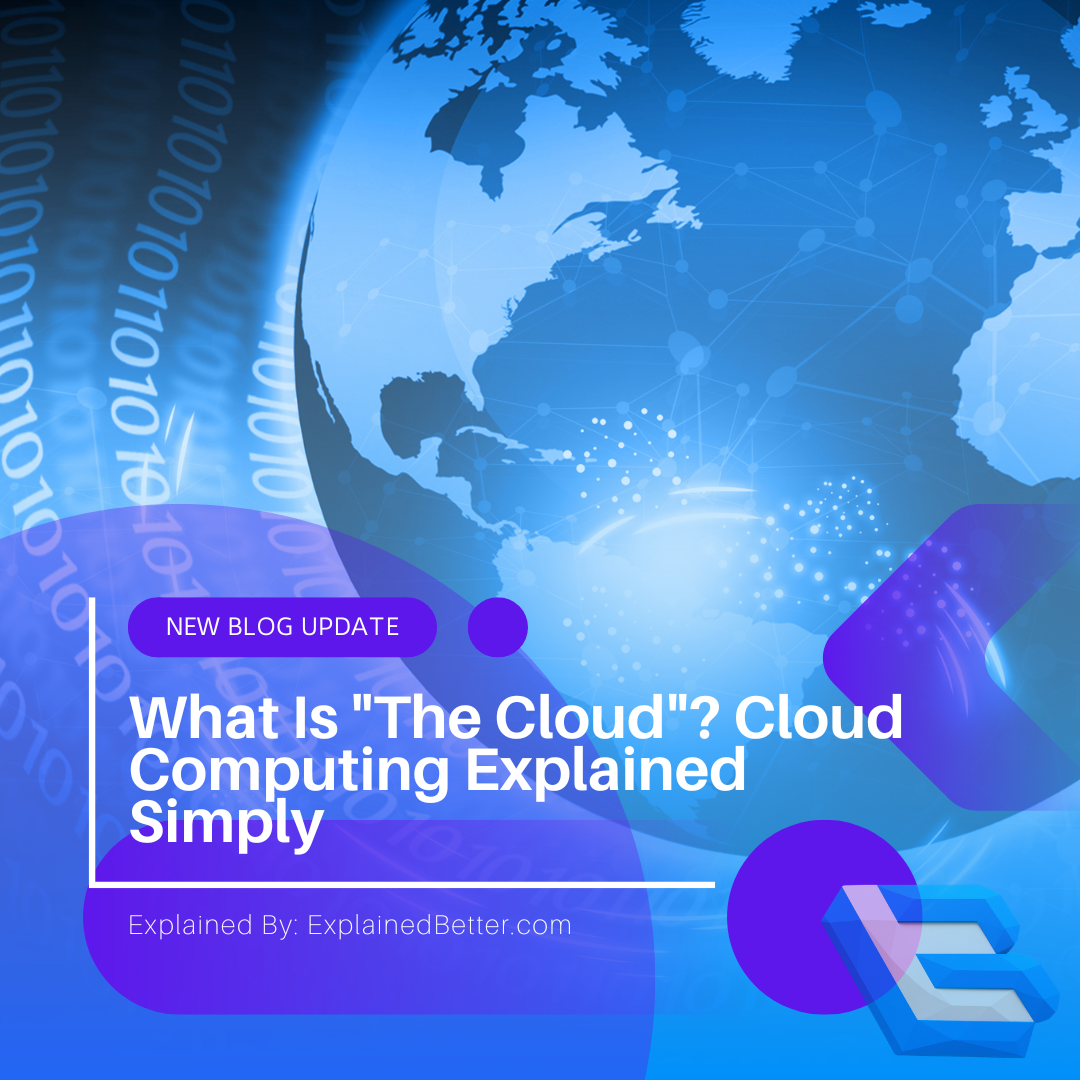

We back up our photos to it, run our work on it and stream our evenings through it — yet “the cloud” remains one of the vaguest words in technology. The reality is refreshingly concrete: the cloud is just someone else’s computers, rented by the minute.
Key takeaways
- The cloud is simply computing power and storage you rent over the internet instead of owning.
- Your files live on real servers in real buildings — you just don’t have to manage them.
- You pay for what you use, like electricity, rather than buying hardware upfront.
- Three companies — Amazon, Microsoft and Google — run most of the world’s cloud.
The cloud, defined without the fog
Strip away the marketing and it’s straightforward: cloud computing means using computers you don’t own, over the internet, and paying only for what you use.
Instead of buying a server, installing it, powering it and maintaining it yourself, you rent a slice of someone else’s — spun up in seconds and switched off when you’re done. The “cloud” name comes from old network diagrams, where the internet was drawn as a fluffy cloud shape to mean “the stuff out there we don’t need to detail.” The name stuck; the mystique was accidental.
So when a photo app says it’s saving to the cloud, it’s sending your files over the internet to a company’s servers sitting in a data centre, where they’re stored and made available back to any device you log in from.
The electricity analogy
The clearest way to understand the shift is to think about power. A century ago, a factory that wanted electricity often built and ran its own generator — expensive, and someone had to maintain it.
Then the grid arrived. Now you plug into the wall, use exactly as much as you need, and pay a bill at the end of the month. You don’t own a power station, don’t think about it, and can use more on a busy day and less on a quiet one.
The cloud did the same thing to computing. Rather than every business owning and running its own servers, they plug into a shared “grid” of computing, drawing what they need and paying accordingly. It’s often called utility computing for exactly this reason.
Why it changed everything
- No upfront hardwareA startup once needed to buy servers before launching. Now it rents capacity for a few dollars and scales up only if it succeeds — dramatically lowering the cost of trying an idea.
- Instant scalingA website that suddenly goes viral can add capacity in minutes rather than waiting weeks for hardware to arrive. When the surge passes, it scales back down and stops paying for the extra.
- Access from anywhereBecause your data lives centrally rather than on one machine, you reach it from your phone, laptop or a friend’s computer — the foundation of modern collaboration tools.
- Someone else handles the boring partsSecurity patches, hardware failures, cooling, backups — the provider manages the infrastructure, freeing you to use it rather than babysit it.
The three flavours of cloud
Cloud services are usually grouped into three types, distinguished by how much the provider manages versus how much you do.
IaaS — Infrastructure as a Service
You rent raw computing building blocks: virtual servers, storage and networking. You install and manage everything on top. It’s the most flexible and the most hands-on — like leasing an empty plot of land to build on.
PaaS — Platform as a Service
The provider handles the underlying servers and operating system; you just deploy your application onto their ready-made platform. Like renting a fully serviced workshop — you focus on the work, not the building.
SaaS — Software as a Service
The finished software delivered over the internet, with everything managed for you. Gmail, Netflix, Dropbox and Microsoft 365 are all SaaS. You almost certainly already use the cloud daily — this is the layer most people actually touch.
Who actually runs the cloud
Despite thousands of providers, the market is dominated by three giants: Amazon Web Services (AWS), Microsoft Azure and Google Cloud. Together they run a large majority of the world’s cloud infrastructure.
This concentration has real consequences. It gives those companies enormous influence over the internet’s plumbing, and it means a fault in one region’s data centres can ripple across countless apps and websites that rent from the same provider — which is why a single outage occasionally makes global news.
The terms, explained
- Cloud computing
- Renting computing power, storage and software over the internet instead of owning the hardware.
- Data centre
- The physical building full of servers where cloud data and processing actually live.
- Server
- A computer that provides services or data to other machines over a network.
- IaaS / PaaS / SaaS
- The three service models — infrastructure, platform and software — differing by how much the provider manages for you.
- Scalability
- The ability to increase or decrease computing resources quickly to match demand.
- Uptime
- The percentage of time a service is available and working. Providers advertise figures like 99.99%.
- Edge computing
- Processing data closer to where it’s produced, rather than in a distant central data centre, to reduce delay.
Prefer to watch? We break down how modern technology works on video too — browse our Science & Tech video explainers.
Frequently asked questions
Where is my data actually stored in the cloud?
On physical servers in data centres owned by your provider, often in multiple locations for reliability. You can frequently choose a region, which matters for speed and for data-protection rules like GDPR.
Is the cloud safe?
Major providers invest heavily in security, often exceeding what a small business could manage alone. But no system is immune, and much depends on your own settings — weak passwords and misconfigured sharing cause many cloud data leaks.
What happens to my files if the company goes out of business?
It’s a real risk with smaller services, which is why keeping your own backup of important data is wise. Large providers are more stable, but the general principle — don’t rely on a single copy anywhere — still applies.
Does using the cloud need constant internet?
Usually yes, since the data and processing live elsewhere. Many services offer offline modes that sync when you reconnect, but the core idea depends on an internet connection.
Sources & further reading
- IBM — What is cloud computing?
- NIST — The NIST Definition of Cloud Computing
- Cloudflare Learning — What is the cloud?